
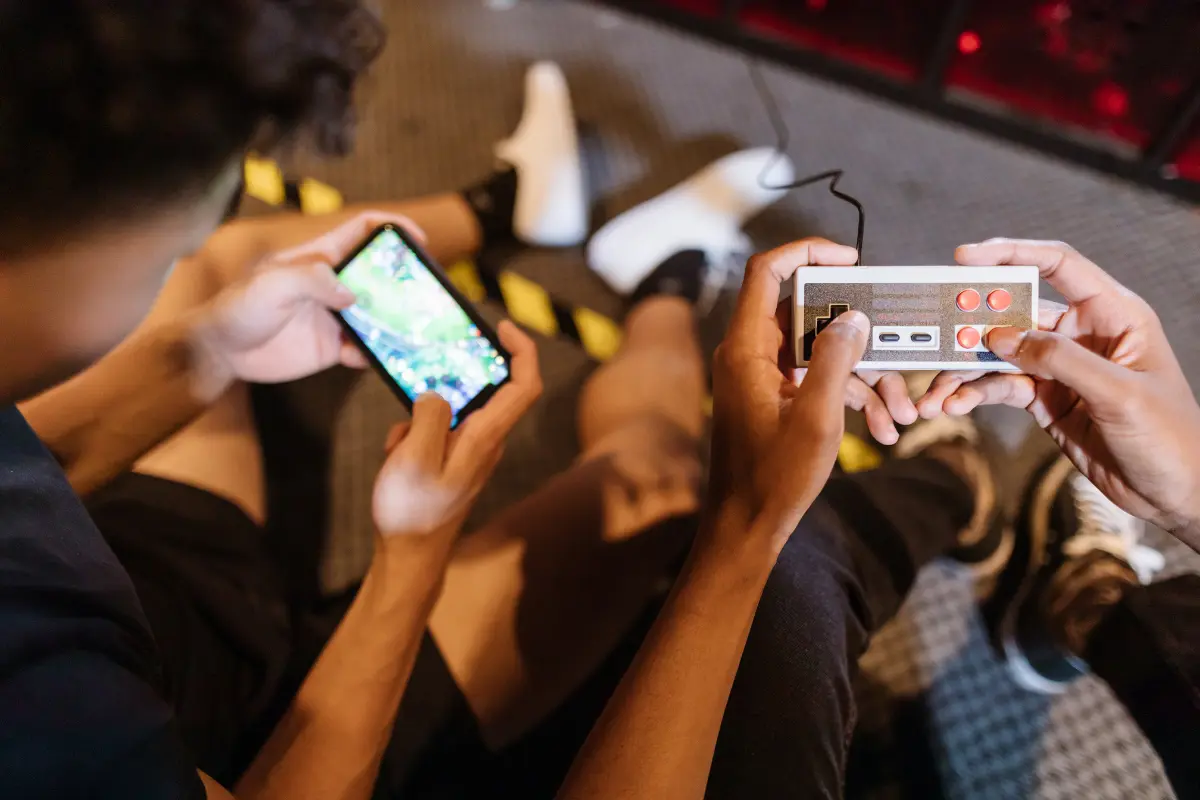
Online gaming has become a regular part of children’s lives. From multiplayer battle games to creative sandbox platforms, children today are growing up in a digital world. As a parent, you may sometimes feel confused or worried. Is gaming safe? How much is too much? How do you protect your child without being too strict?
If you are wondering how parents can monitor online gaming, this detailed guide will help you understand the practical steps you can take. The goal is not to stop gaming completely. Instead, it is to create a safe and balanced environment where your child can enjoy gaming without facing serious risks.
Why Is It Important to Monitor Online Gaming?
Online gaming is not just about playing against a computer anymore. Many games involve live chats, voice communication, in-game purchases, and interaction with strangers. This creates both opportunities and risks.
When you monitor online gaming properly, you can:
- Protect your child from online strangers and scams. Many games allow chatting with unknown players. Without supervision, children may unknowingly share personal information or fall for tricks.
- Prevent gaming addiction. Excessive gaming can affect studies, sleep, and physical health. Monitoring helps you maintain balance.
- Avoid financial surprises. In-game purchases and reward systems can sometimes lead to unexpected spending if controls are not set.
Monitoring does not mean spying. It means being aware, involved, and responsible.
How Can You Start Monitoring Online Gaming at Home?
The first step is simple: understand what your child is playing.
Talk Before You Control
Before setting rules or restrictions, sit with your child and ask:
- What game are you playing?
- What do you like about this game?
- Who do you play with?
When you show genuine interest, your child feels comfortable sharing. If you directly start with restrictions, they may hide information from you.
Open communication is one of the most powerful tools in monitoring online gaming.
Should You Use Parental Controls?
Yes, parental controls are extremely helpful when used correctly.
Most devices and gaming platforms provide built-in parental control features. These allow you to:
- Limit screen time. You can set daily or weekly time limits so gaming does not interfere with studies or sleep.
- Restrict chat features. You can control who is allowed to message or speak with your child.
- Block inappropriate content. Games are rated based on age. Parental settings help you ensure your child only plays age-appropriate games.
- Control in-game purchases. You can require password approval before any money is spent.
However, parental controls should support your parenting — not replace it. Technology cannot fully protect your child without your involvement.
How Much Screen Time Is Too Much?
This is one of the most common concerns parents have.
There is no fixed number that works for every child. However, you should observe certain signs:
- Is your child avoiding homework because of gaming?
- Are they becoming irritated when asked to stop?
- Is their sleep schedule disturbed?
- Are they avoiding outdoor activities?
If gaming is affecting daily routine, it is time to set clearer limits.
Practical Time Management Tips
- Allow gaming only after homework and daily responsibilities are completed.
- Set fixed gaming hours, such as 1 hour in the evening.
- Keep devices away at least one hour before bedtime.
- Encourage breaks after 30–45 minutes of continuous gaming.
Consistency is important. If rules change every day, children may not take them seriously.
How Can You Protect Your Child from Online Strangers?
Many online games allow communication with unknown players. This is where risks increase.
Teach your child these basic safety rules:
- Never share personal details. This includes real name, school name, home address, phone number, or photos.
- Do not click unknown links. Some players may send fake reward links or free currency offers that are scams.
- Report and block suspicious users. Most games have a report or block option. Teach your child how to use it.
You should also occasionally review friend lists and chat settings. Not in a secretive way, but in a transparent and guiding manner.
Should You Play the Game Yourself?
If possible, yes.
You do not have to become a professional gamer. But trying the game once gives you better understanding of:
- The type of content shown.
- The nature of chat conversations.
- The intensity or violence level.
- The reward system and purchase options.
When you know the game environment, your guidance becomes more practical. Your child also respects your opinion more because you understand what they are talking about.
Where Should Gaming Devices Be Kept?
Location matters more than many parents realise.
Keeping gaming devices in common areas like the living room allows natural supervision. It reduces the chances of secretive behaviour and unsafe interactions.
If devices are used inside bedrooms:
- Keep doors open.
- Conduct regular discussions about what is happening in the game.
- Avoid giving unlimited privacy at a young age.
Supervision should feel supportive, not controlling.
How Can You Monitor In-Game Purchases?
Many modern games use “free-to-play” models but earn money through in-game purchases. These purchases may include skins, upgrades, battle passes, or virtual currency.
To avoid financial problems:
- Disable auto-saved card details on gaming platforms.
- Set purchase approval passwords.
- Regularly check bank statements for unknown transactions.
- Explain to your child the real value of money and digital spending.
Financial awareness is an important part of monitoring online gaming responsibly.
How Do You Handle Gaming Addiction Concerns?
Sometimes gaming can become excessive. Signs of gaming addiction may include:
- Loss of interest in offline activities.
- Mood swings when not allowed to play.
- Neglect of studies and responsibilities.
- Playing secretly at night.
If you notice these signs, avoid extreme reactions like sudden bans. Instead:
- Gradually reduce screen time.
- Encourage alternative activities like sports or hobbies.
- Maintain structured daily routine.
- Seek professional counselling if behaviour becomes serious.
Balance is the goal — not punishment.
How Can You Teach Digital Responsibility?
Monitoring online gaming is not only about restrictions. It is also about education.
You should guide your child to:
- Understand online etiquette and respectful behaviour.
- Recognise cyberbullying and speak up against it.
- Think critically before trusting strangers online.
- Manage emotions during competitive games.
When children understand digital responsibility, they become safer even when you are not around.
Should You Completely Ban Online Gaming?
In most cases, banning gaming entirely is not practical.
Online gaming has positive aspects as well:
- It improves coordination and reflexes.
- It enhances problem-solving skills.
- Multiplayer games develop teamwork and communication.
- It can be a social activity among friends.
The focus should be on safe gaming, not zero gaming.
When you balance supervision with trust, gaming can become a healthy recreational activity.
What Is the Right Balance Between Trust and Monitoring?
This is where many parents struggle.
Too much control can damage trust. Too little supervision can create risk. The right approach includes:
- Clear family rules.
- Open conversations.
- Technical safeguards.
- Gradual independence as the child grows.
As your child becomes older and more responsible, monitoring can shift from strict control to periodic guidance.
Remember, the ultimate aim is to make your child capable of managing the digital world safely.
Conclusion: Creating a Safe Gaming Environment at Home
Understanding how parents can monitor online gaming is not about fear. It is about awareness and responsible parenting.
To summarise the key takeaways:
- Stay involved in your child’s gaming life.
- Use parental controls wisely.
- Set consistent screen time rules.
- Educate about online safety and privacy.
- Monitor spending and in-game purchases.
- Encourage balanced daily routine.
Online gaming is part of modern childhood. Instead of treating it as an enemy, treat it as an activity that requires supervision and guidance.
When you combine communication, technology tools, and sensible limits, you create a safe and positive gaming environment at home. That balance helps your child enjoy gaming while staying protected in the digital world.