
This domain is for sale. Anyone interested can reach out to
marketersmagical@gmail.com.
Why and Which Game Engines are Best for Indie Developers
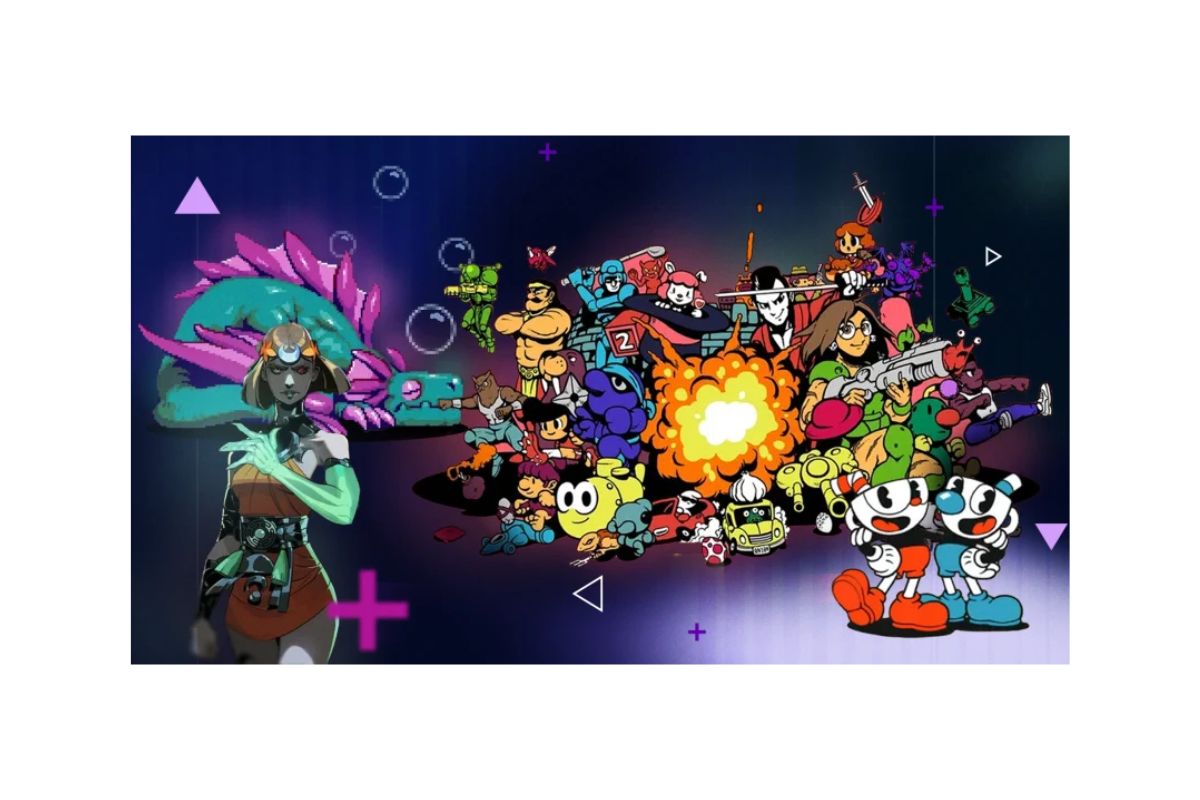
If you’re an indie game developer, choosing the right game engine can make a huge difference in how smoothly your project runs and how successful it becomes. A game engine is the software that helps you build and develop games by providing tools and features for graphics, physics, sound, scripting, and more. Picking the right engine can save you time, reduce stress, and help you focus on making your game fun and engaging.
In this article, I’ll explain why the choice of a game engine matters for indie developers like you, and then guide you through some of the best game engines available today. I’ll focus on engines that are beginner-friendly, affordable, and powerful enough to create quality games without overwhelming you.
Why Does Choosing the Right Game Engine Matter?
As an indie developer, you often work with limited resources: time, money, and sometimes even skills. Unlike big studios with large teams, you might be handling multiple roles like coding, designing, and marketing. This makes the choice of your game engine critical. Here’s why:
- Ease of Use: You want an engine that’s not too complicated. It should be easy to learn so you can start building your game without wasting months on tutorials. A friendly interface and good documentation are big pluses.
- Cost-Effective: Many engines are free or offer free tiers for indie developers. Paying a lot upfront or sharing profits with the engine provider can cut into your earnings. Finding a cost-effective engine helps keep your budget intact.
- Support and Community: Having access to tutorials, forums, and other developers who use the same engine can be a lifesaver. When you hit a roadblock, community support helps you find quick solutions.
- Platform Support: You want your game to reach as many players as possible. So your engine should allow you to export your game to different platforms — like PC, consoles, mobile phones, or even the web.
- Features and Flexibility: Depending on your game idea, you might need features like 2D or 3D graphics, physics simulation, multiplayer support, or advanced lighting effects. Your engine should support the features that fit your game vision.
- Performance: Your game should run smoothly without lag or crashes. The engine plays a big role in optimizing performance, especially on devices with limited power.
What Are Game Engines?
Before jumping into which engines are best, let’s quickly clarify what a game engine does.
Think of a game engine as the foundation and toolkit for your game. Instead of building everything from scratch, the engine provides ready-made systems for rendering graphics, handling player input, managing game physics, and more. This means you can spend more time on creative parts like story, level design, and gameplay.
Best Game Engines for Indie Developers
Now, let’s explore some of the best game engines that indie developers commonly use. Each has its strengths, so I’ll explain what makes each one special and who it might be best suited for.
1. Unity
Why Choose Unity?
Unity is one of the most popular game engines worldwide, especially among indie developers. It supports both 2D and 3D games, and is known for its user-friendly interface.
- Ease of Use: Unity has a well-designed editor with drag-and-drop tools, plus scripting with C#, which is relatively easy to learn.
- Cost: Unity offers a free version for individuals and small studios making less than $100,000 a year, which is perfect for indie devs.
- Platform Support: You can export your game to over 25 platforms including PC, Mac, iOS, Android, WebGL, and major consoles.
- Community: Unity has a huge community, tons of tutorials, assets you can buy or download for free, and a helpful support system.
- Features: Unity supports advanced graphics, physics, virtual reality (VR), and augmented reality (AR).
- Performance: It provides good performance for both simple and complex games, with many optimization options.
Who Should Use Unity?
If you want flexibility, a large support network, and the option to make anything from simple 2D games to advanced 3D titles, Unity is a great choice. It’s especially good if you plan to release on multiple platforms.
2. Unreal Engine
Why Choose Unreal Engine?
Unreal Engine is known for its stunning graphics and is often used for high-end AAA games. But it’s also accessible to indie developers.
- Ease of Use: Unreal offers a visual scripting system called Blueprints, which lets you build gameplay without writing code, great if you’re not confident with programming.
- Cost: Unreal is free to use until your game earns $1 million in revenue. After that, you pay a small royalty fee, which many indie devs find reasonable.
- Platform Support: Supports PC, consoles, mobile, VR, and AR platforms.
- Community: Unreal has a strong, active community and many tutorials available.
- Features: Known for realistic lighting, physics, and cinematic tools.
- Performance: Unreal is very powerful, but it can require more powerful hardware to run smoothly.
Who Should Use Unreal Engine?
If your game needs high-quality visuals or you want to create realistic 3D worlds, Unreal is worth learning. Its Blueprint system makes it accessible even if coding isn’t your strength.
3. Godot Engine
Why Choose Godot?
Godot is an open-source engine that has been gaining popularity quickly. It’s lightweight and highly customizable.
- Ease of Use: Godot has a clean, simple interface and uses a scripting language called GDScript, which is easy to pick up if you know Python.
- Cost: Completely free with no royalties or licensing fees.
- Platform Support: Supports exporting to PC, mobile, and web platforms. Console support is improving but requires extra work.
- Community: Growing community with increasing tutorials and plugins available.
- Features: Great for both 2D and 3D games, though its 3D tools are less advanced compared to Unity or Unreal.
- Performance: Performs well, especially for 2D games and simpler 3D projects.
Who Should Use Godot?
If you want a free, open-source engine that’s easy to customize and good for 2D games, Godot is excellent. It’s also great if you want to avoid licensing fees and maintain full control over your project.
4. GameMaker Studio 2
Why Choose GameMaker Studio 2?
GameMaker Studio 2 is famous for making 2D games quickly and efficiently. Many indie hits were made with GameMaker.
- Ease of Use: Drag-and-drop interface plus a simple scripting language called GML, which is beginner-friendly.
- Cost: It has a free trial, but full export options require paid licenses (which can get pricey depending on platforms).
- Platform Support: Exports to Windows, Mac, HTML5, Android, iOS, and consoles.
- Community: Large community and many tutorials available.
- Features: Focuses mainly on 2D but offers good performance and easy workflow.
- Performance: Optimized for 2D games, so your game will run smoothly.
Who Should Use GameMaker Studio 2?
If you’re making a 2D game and want to develop it quickly without deep coding knowledge, this is a solid choice. It’s especially good for platformers, puzzles, and pixel-art style games.
5. Construct 3
Why Choose Construct 3?
Construct 3 is a browser-based game engine designed for 2D games. It’s very beginner-friendly and requires no coding.
- Ease of Use: Drag-and-drop system with visual event sheets that make creating game logic easy without coding.
- Cost: It operates on a subscription model, but there is a free tier with limitations.
- Platform Support: Can export to HTML5, desktop, and mobile platforms.
- Community: Active forums and lots of learning materials.
- Features: Great for rapid prototyping and smaller games.
- Performance: Runs well for 2D games, especially on web and mobile.
Who Should Use Construct 3?
If you want to build simple 2D games quickly without programming, or if you prefer working in a browser without installing software, Construct 3 is ideal.
What Should You Consider Before Choosing?
While the above engines are all great, here are some things to think about before making your choice:
- Your Skill Level: Are you comfortable coding, or do you prefer visual scripting?
- Game Type: Is your game 2D or 3D? Simple or complex?
- Budget: Can you afford paid licenses, or do you need a free engine?
- Platform: Where do you want to release your game? PC, mobile, console?
- Community and Learning Resources: Having good tutorials and support can speed up your development.
- Long-Term Goals: Think about what skills you want to learn for future projects.
Final Tips for Indie Developers
- Try Before You Commit: Most game engines have free versions or trials. Download a few and try creating small projects to see which feels right for you.
- Learn the Basics of Programming: Even engines with visual scripting benefit from basic programming knowledge. It helps you solve problems and add complex features.
- Use Assets and Templates: Many engines have marketplaces where you can buy or get free assets, scripts, and templates. This can speed up development.
- Plan Your Project Scope: Start small. It’s easy to get excited and overreach. Choose an engine that fits the scale of your game.
- Join Communities: Whether on Discord, Reddit, or official forums, being part of a developer community helps you get feedback, solve problems, and stay motivated.
Conclusion
Choosing the right game engine is a key decision that shapes your indie game development journey. Unity and Unreal Engine are powerful and versatile, suitable for both beginners and more advanced developers looking to create professional games. Godot offers a free and open-source alternative, perfect for those who want full control and focus on 2D games. GameMaker Studio 2 and Construct 3 are excellent for quick 2D game creation, with easy interfaces and minimal coding requirements.
Remember, no engine is perfect for everyone. The best game engine for you depends on your skills, budget, game idea, and goals. Take your time, explore your options, and pick the one that helps you bring your game vision to life.
Good luck with your game development journey! If you keep learning and experimenting, you’ll find the right tools to create amazing games that players will love.